What is Artlist?
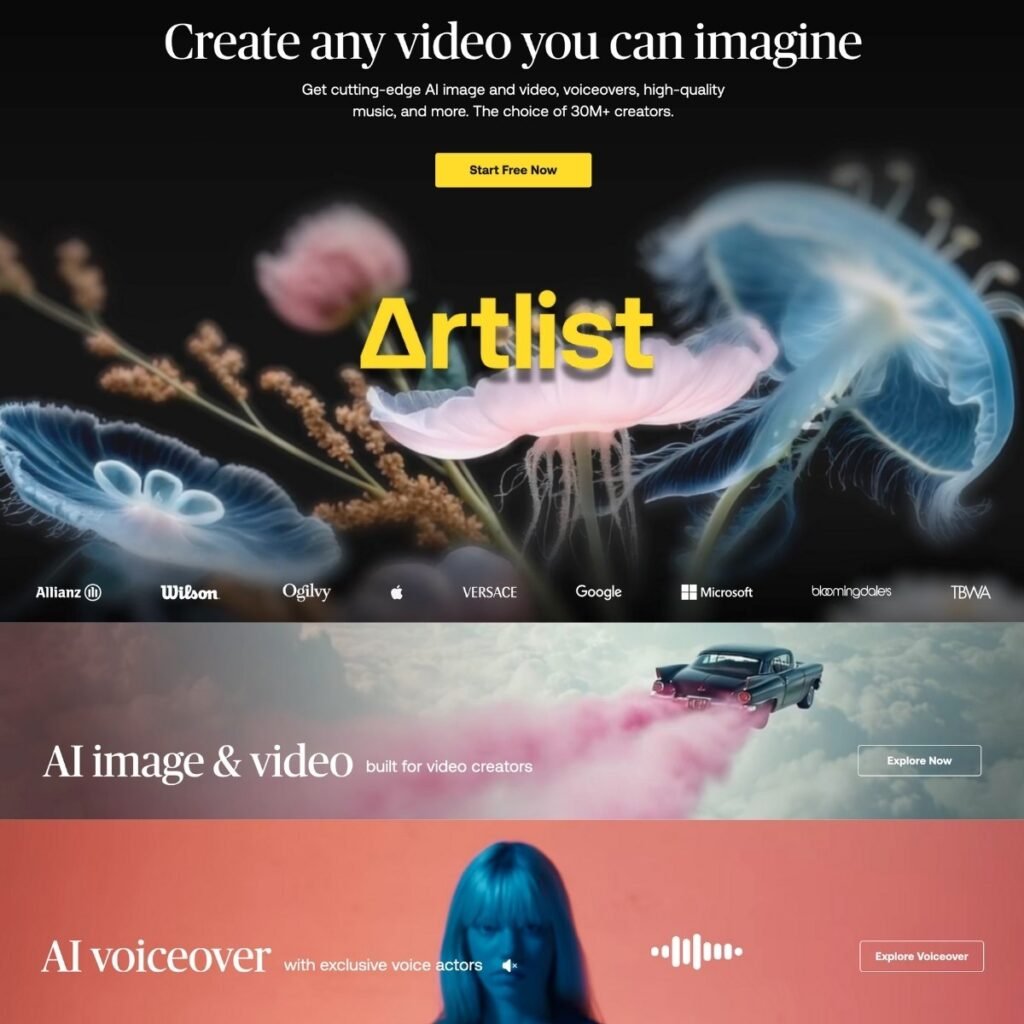
Artlist has been around for years as a royalty-free music and stock footage library, but it’s no longer just a place to grab a track or clip. It now comes with a full suite of generative AI tools: image, video, voiceover, and a creative asset library that’s very useful for people who make content for a living.
If you’re a YouTuber, social media editor, in-house content team, or even a solo freelancer trying to produce polished client work without huge costs and studio time, Artlist is a solid option.
How it works.
Artlist combines traditional stock assets (music, footage, SFX, templates) with AI features like:
- Text-to-image generation — You type in a prompt, pick a style, and it spits out a visual. Good for storyboarding, thumbnails, or quick concept art.
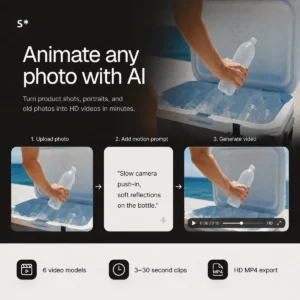
- Image-to-video animation — Basically animates a still image into a short clip. Don’t expect Pixar here—it’s more Ken Burns with flair than full 3D motion.
- Text-to-video generation — Similar to Runway, you can generate simple videos from a prompt. There are different model tiers (Lite to Pro), and results vary based on how ambitious you get.
- Voice cloning and TTS — You can type a script or upload your own voice, and it’ll re-render it using an AI voice. There’s decent emotion control (angry, sad, optimistic, etc.), plus effects like “Vintage Radio” or “Walkie-Talkie.”
- Natural language search — You can look for clips and music by vibe, not just tags. For example, “sunset drone shot with mellow soundtrack” actually gets you somewhere.
- AI voiceovers as a Premiere Pro plugin — No need to leave your editor to generate narration.
- Artboards and AI suggestions — Organize visuals, then get curated asset suggestions that match your style or script. It’s like moodboarding with a brain.
Real-World Use
The AI tools are integrated well into the workflow. You can preview voiceovers with effects, fine-tune pacing with punctuation, or use phonetic spelling to fix weird pronunciations. The image tools let you blend up to 3 images or regenerate variants easily.
For creators used to bouncing between 5 different tools, it’s nice to have all this in one place.
Licensing and Ownership
Everything you generate is covered for commercial use under Artlist’s licensing. That includes AI voiceovers and visuals. Still, if you’re cloning someone else’s voice—legally or ethically—think twice. The tools are powerful, but they don’t babysit your legal choices.
Who This Is For
- YouTubers and content creators who want one tool for visuals, music, and voiceover
- Agencies or brands creating explainer videos, ads, or social clips at scale
- Freelancers tired of juggling 10 different subscriptions
- Video editors using Adobe tools who want voiceovers without exporting anything
Bullet Point Features
- Text-to-image generation with 20+ curated visual styles
- Image editing and image blending (up to 3 images)
- Image-to-video animation (subtle motion clips from stills)
- Text-to-video generation with audio (Lite to Pro models)
- Text-to-speech voiceovers in 21+ languages with emotional tones
- Voice cloning and voice style transfer from uploaded audio
- Built-in voice effects (robotic, vintage, walkie-talkie, etc.)
- Adobe Premiere Pro plugin for in-editor voiceovers
- AI-powered asset search using natural language
- Artboards for asset organization and AI recommendations
- Commercial licensing included across all generated content
- Monthly credit system for generative features